Rendered website scanning
Crawl modern JavaScript experiences with Playwright and run axe-core against the interface people actually receive.
- Same-origin safe crawling
- WCAG-mapped evidence
- Human-review states
Accessibility operations, connected
Webscan brings automated scanning, expert-led audits, behavioural testing, and developer remediation into one connected workflow. Find accessibility barriers, understand their impact, turn eligible findings into proposed code fixes, and open GitHub pull requests for developer review.
Instant accessibility check — no account needed. Or create your workspace →
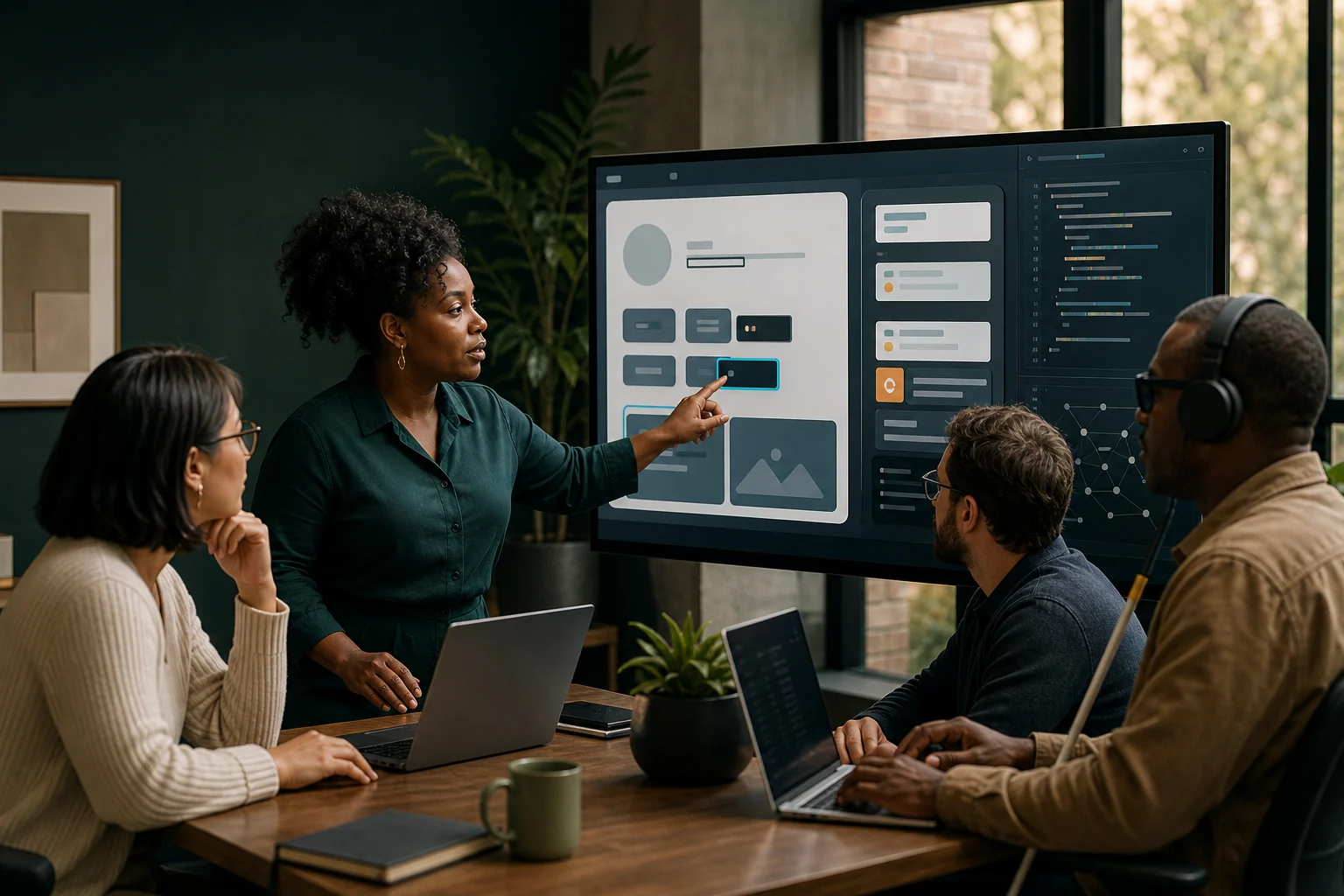
One workspace for the whole accessibility lifecycle
Built beyond the basic checker
Automated rules are only one piece of accessibility. Webscan connects technical findings with human judgement, behavioural evidence, ownership, and proof of progress.
Crawl modern JavaScript experiences with Playwright and run axe-core against the interface people actually receive.
Observe focus, route changes, dialogs, errors, status messages, and significant DOM changes during defined interaction journeys.
See the workflowDraft explanations and source-code fixes from recorded evidence, with provenance and mandatory human approval.
Explore remediationGenerate immutable technical, management, and all-issues snapshots in accessible HTML, DOCX, and PDF.
See reportingDeveloper remediation
Import the relevant source from GitHub, generate a grounded proposal, review it with a human, and open a focused draft pull request—without letting automation write directly to main.
A continuous practice
Give auditors, developers, product owners, and leadership a shared record of what was found, what changed, and what still needs human verification.
Scan public or authenticated experiences and exercise meaningful user journeys.
Combine automated evidence with manual and behavioural review.
Assign issues, collaborate, draft fixes, and move through review.
Retest outcomes, preserve evidence, and monitor for regressions.
Reporting with integrity
Every report is a stable, hash-protected snapshot. Technical teams get detailed evidence; leaders get a responsible view of risk and progress.
How Webscan is different
Plenty of tools can point a rule engine at your HTML and hand back a number. That is the easy part of accessibility — and the part that most often gives a false sense of safety. Webscan is built for the harder work that actually moves the experience for disabled users.
An automated checker parses the markup your server sent, matches it against a list of rules, and returns a score. It is genuinely useful — but it only sees a fraction of what matters, it stops at detection, and, left unqualified, a green result quietly implies a compliance it never actually measured. The barriers that reach real users tend to live in three blind spots: what happens after the page loads, the distance between a finding and a shipped fix, and the overclaiming of “compliant.” Webscan was designed around exactly those three gaps.
main on its ownWebscan renders every page in a real browser and runs its checks after JavaScript has executed. That lets it catch defects a static checker cannot see — like a page title that is present in the server response but silently stripped once the app hydrates. Modern sites are assembled in the browser, so that is where accessibility has to be measured.
Many of the worst barriers are dynamic: focus that never moves to a dialog, a route change no screen reader announces, an error message that appears silently. Webscan observes focus, dialogs, route changes, and live-region updates as it exercises real journeys — the failures a rule-matcher on static markup will always miss.
Detection is where most tools end and where Webscan is just getting started. It imports your real source from GitHub — and the neighbouring files a component imports — drafts a grounded change, then builds and re-scans it in an isolated sandbox. It only calls a fix verified once its own scanner re-confirms the issue is gone, and it delivers the result as a draft pull request a person approves. It never writes to your main branch.
A passing automated scan is evidence, not a verdict of compliance — and Webscan is deliberate about the difference. Human review is built in, reports are immutable and hash-protected, and it tells you plainly where automation reached its limits. Honest tooling should show its work, including what it could not decide.
The result is a tool that behaves less like a spell-checker for markup and more like a practice: render what users actually get, observe how it behaves, fix it with evidence, and prove the fix — without ever pretending a score is the same thing as an accessible experience.
Proof, not promises
Before we asked anyone else to trust it, we ran Webscan against Inclusive App Craft's own site—a modern React application. Here is the honest account of what it caught, how it helped us fix the issues, where it fell short, and how it improved.
First of all, Webscan scanned our live site the way a real browser does and surfaced eleven findings. Also — because it renders each page after JavaScript runs, not just the raw HTML — it caught a subtle defect a naïve checker misses entirely: a page title that was present in the server response but silently stripped once the app hydrated in the browser. Moreover, it turned the most serious findings into tracked issues: duplicate element IDs on our contact form, a missing title on a service page, and a field tied to more than one label.
Then came remediation. Webscan imported the exact source file from GitHub, drafted a real code change, and — only after a person approved it — opened a focused draft pull request. For the duplicate-ID issue its proposal was spot-on, introducing React's useId() so every field became unique. Furthermore, that single fix resolved the multiple-label issue too, because both shared one root cause. After we merged and the site redeployed, Webscan re-scanned the live page and confirmed the violations were gone.
However, we will not overstate it. On the missing-title bug, Webscan's automatic fix was plausible but wrong — from the source file alone it could not see that the real cause was a hydration failure deeper in the framework. In other words, a human still had to diagnose and correct that one. This is precisely why Webscan never writes to your main branch on its own, and why every fix waits for human approval: automation assists, and people decide.
Along the way, testing on a real, modern site exposed bugs in Webscan too — and we fixed them. First, the scanner's browser refused to launch inside our container until we hardened its sandbox settings. Also, a strict content-security policy initially blocked Webscan from injecting its own analysis script, so we taught it to instrument protected pages safely. In short, using our own product in earnest made it tougher.
As a result of everything we learned, Webscan is markedly stronger today. First of all, it now feeds real browser evidence — including the console errors a page throws — into its fix suggestions, so it can tell a source-code defect apart from a runtime one. Moreover, it reads the neighbouring files a component imports, and it carries a growing library of known framework pitfalls. In addition, it can render a proposed fix and re-check it in a safe sandbox before a pull request is ever opened. Finally, it only calls a fix verified once its own scanner has re-confirmed the issue is gone — never on a guess.
Live proof · verified in a real build
To show the sandbox working, we planted a deliberate barrier in a small React app — an icon button with no accessible name — where the correct fix could only be written by reading three files that depend on one another. Here is exactly what Webscan did, end to end.
Rendering the live page the way a browser does, the scanner flagged a Critical button-name violation: toolbar icon buttons with no accessible name — effectively invisible to a screen reader.
The button lives in IconButton.tsx, but its correct label comes from a helper in labels.ts, which derives the text from a field in actions.ts. Webscan read the neighbouring files the component imports and used all three — while treating actions.ts and labels.ts as read-only context it must never change.
IconButton.tsx <button
type="button"
className="icon-btn"
+ aria-label={actionLabel(action)}
>
<Icon size={18} aria-hidden />
</button>Before proposing anything, an isolated sandbox installed the project, built it with Vite, rendered the result, and re-ran the accessibility scan. The violation was gone — on the first attempt. Only then did Webscan mark the draft Sandbox-Verified, still waiting for a person to approve it.
✓ Sandbox-Verified The build ran with none of Webscan's own credentials, and nothing was ever pushed to a branch automatically — automation assists, people decide.
Accessibility is a practice, not a score — and honest tooling should show its work, including its limits.
Designed for responsible adoption
Made in Accra, Ghana
Inclusive App Craft is an accessibility-first software studio on a mission to make the web usable by everyone. Webscan is our answer to a hard question: how do teams turn accessibility findings into real, verified improvements—without overstating conformance or losing the human judgment the work demands?
We build from the University of Ghana's Information Technology Directorate in Legon, pairing local craft with global accessibility standards across WCAG 2.0, 2.1, and 2.2.
Pricing
Honest, per-website pricing—no seat traps, no surprise "compliance" upsells. Begin with a free scan and grow into the plan that fits your portfolio.
For exploring Webscan and scanning a small personal website.
₵0forever
For individuals, developers and small organisations managing a few websites.
₵350/ month
For accessibility professionals and growing organisations managing multiple websites.
₵700/ month
For development and product teams building and maintaining accessible digital products.
₵1050/ month
For agencies and multi-site portfolios.
₵1400/ month
For professional enterprizes with many websites.
₵2500/ month
Need expert eyes? Our specialists offer hands-on WCAG audits and remediation as an add-on to any plan. Prices in USD—special rates for NGOs, education, and public-sector teams across Ghana and Africa. Get in touch.
Questions & answers
Straight answers about what Webscan does—and, just as importantly, what it doesn't claim to do.
No—and Webscan is deliberate about this. Automated checks are evidence, not a verdict. They catch a meaningful share of issues, but real WCAG conformance needs human judgment. Every finding shows its review state, and manual audits and behavioural testing sit alongside the automated results so a person always makes the final call.
WCAG 2.0, 2.1, and 2.2 at Levels A and AA, using a locally pinned axe-core engine. Definite violations are flagged automatically; anything that needs a human to confirm is marked for review rather than guessed.
Yes. You can save an authenticated session for a site you control, and Webscan uses it to scan signed-in pages. Those credentials are encrypted at rest and decrypted only in memory for the moment a scan runs—they're never shown again or written to normal logs.
Yes. Webscan renders pages in a real browser (Playwright/Chromium), so single-page apps are tested as users actually receive them. Journeys let you script real flows—navigate, click, type, submit—and scan each step, with behavioural checks for focus, dialogs, and status messages.
AI is optional and advisory. Drafts—explanations, remediation, alternative text—are generated from a bounded snapshot of an issue's evidence, recorded with their provenance, and always require human approval. By default Webscan uses a deterministic offline engine, so nothing leaves your workspace unless an administrator explicitly enables an external provider.
Each organisation's data is isolated in the backend queries, sensitive credentials are encrypted at rest, and the scanner is hardened against server-side request forgery. See our Privacy Policy for the full picture.
Yes. Schedule weekly or monthly scans and Webscan compares each run to the last—flagging new, resolved, and returned issues, and alerting you to regressions. Reports export as accessible HTML, DOCX, or PDF for both technical and management audiences.
Build inclusion into delivery
Start with one website. Bring your team into a workflow designed to improve real experiences—not just produce a score.